


• # How to Build a Better Developer Learning Journey


    Learning software development can sometimes feel overwhelming. There are countless tutorials, courses, documentation pages, coding challenges, and technologies to explore. The real challenge is not finding learning material—it is creating a learning process that actually helps you improve.


    A good developer learning journey should combine **knowledge, practice, projects, and continuous improvement**.


    ## Start With the Fundamentals


    Before jumping between different frameworks and programming languages, developers should build a strong understanding of the fundamentals. Concepts such as variables, functions, data structures, algorithms, databases, APIs, and version control provide a foundation that can be applied across different technologies.


    Strong fundamentals also make it easier to learn new tools later.


    ## Practice What You Learn


    Watching tutorials can help explain concepts, but practical work is where those concepts become useful.


    After learning something new, try building a small project. A simple web application, API, portfolio page, or automation script can reveal problems that tutorials often don't cover.


    Making mistakes while building is not a setback. It is part of the learning process.


    ## Work on Real Projects


    Projects help developers connect individual concepts together. Instead of solving isolated exercises, a project requires you to think about structure, debugging, user experience, performance, and maintainability.


    A useful approach is to gradually increase project difficulty:


    * Start with small projects.
    * Rebuild familiar applications.
    * Add new features.
    * Experiment with different technologies.
    * Document what you learn.
    * Keep improving older projects.


    Over time, this creates a portfolio that demonstrates practical ability rather than simply showing completed courses.


    ## Use a Structured Roadmap


    Another common problem is trying to learn everything at once. Developers may move from JavaScript to React, then Python, then databases, then cloud technologies without becoming comfortable with any of them.


    A roadmap can provide direction by showing what to learn first and what can come later.


    Developer-focused platforms such as **TheZift** can be useful in this context because they bring together areas such as coding practice, development projects, assessments, roadmaps, and other learning resources in one ecosystem.


    The important thing is not which platform you use. What matters is having a clear path and consistently following it.


    ## Measure Your Progress


    Learning becomes more effective when you know what you need to improve.


    Regular coding challenges, assessments, project reviews, and self-evaluation can help identify weak areas. Instead of simply counting how many tutorials you completed, ask better questions:


    **Can I build something without following a tutorial? Can I explain the code I wrote? Can I debug a problem independently? Can I apply what I learned to a different project?**


    These questions provide a much better picture of your actual progress.


    ## Connect Learning With Career Goals


    Eventually, developers need to apply their skills outside the learning environment. Building a portfolio, preparing for technical assessments, contributing to projects, and exploring hiring opportunities can help bridge the gap between learning and professional development.


    The journey doesn't end when you finish a course. Technology changes constantly, so successful developers continue learning throughout their careers.


    ## Final Thoughts


    Becoming a better developer is not about consuming the maximum amount of educational content. It is about **learning something, practicing it, building with it, evaluating your progress, and repeating the process**.
    A structured approach can make the journey less confusing and more productive. Whether you use individual resources or an ecosystem such as TheZift, the most valuable habit is consistent practical learning.
    The goal is simple: **don't just learn to code—learn to build.**
    # How to Build a Better Developer Learning Journey Learning software development can sometimes feel overwhelming. There are countless tutorials, courses, documentation pages, coding challenges, and technologies to explore. The real challenge is not finding learning material—it is creating a learning process that actually helps you improve. A good developer learning journey should combine **knowledge, practice, projects, and continuous improvement**. ## Start With the Fundamentals Before jumping between different frameworks and programming languages, developers should build a strong understanding of the fundamentals. Concepts such as variables, functions, data structures, algorithms, databases, APIs, and version control provide a foundation that can be applied across different technologies. Strong fundamentals also make it easier to learn new tools later. ## Practice What You Learn Watching tutorials can help explain concepts, but practical work is where those concepts become useful. After learning something new, try building a small project. A simple web application, API, portfolio page, or automation script can reveal problems that tutorials often don't cover. Making mistakes while building is not a setback. It is part of the learning process. ## Work on Real Projects Projects help developers connect individual concepts together. Instead of solving isolated exercises, a project requires you to think about structure, debugging, user experience, performance, and maintainability. A useful approach is to gradually increase project difficulty: * Start with small projects. * Rebuild familiar applications. * Add new features. * Experiment with different technologies. * Document what you learn. * Keep improving older projects. Over time, this creates a portfolio that demonstrates practical ability rather than simply showing completed courses. ## Use a Structured Roadmap Another common problem is trying to learn everything at once. Developers may move from JavaScript to React, then Python, then databases, then cloud technologies without becoming comfortable with any of them. A roadmap can provide direction by showing what to learn first and what can come later. Developer-focused platforms such as **TheZift** can be useful in this context because they bring together areas such as coding practice, development projects, assessments, roadmaps, and other learning resources in one ecosystem. The important thing is not which platform you use. What matters is having a clear path and consistently following it. ## Measure Your Progress Learning becomes more effective when you know what you need to improve. Regular coding challenges, assessments, project reviews, and self-evaluation can help identify weak areas. Instead of simply counting how many tutorials you completed, ask better questions: **Can I build something without following a tutorial? Can I explain the code I wrote? Can I debug a problem independently? Can I apply what I learned to a different project?** These questions provide a much better picture of your actual progress. ## Connect Learning With Career Goals Eventually, developers need to apply their skills outside the learning environment. Building a portfolio, preparing for technical assessments, contributing to projects, and exploring hiring opportunities can help bridge the gap between learning and professional development. The journey doesn't end when you finish a course. Technology changes constantly, so successful developers continue learning throughout their careers. ## Final Thoughts Becoming a better developer is not about consuming the maximum amount of educational content. It is about **learning something, practicing it, building with it, evaluating your progress, and repeating the process**. A structured approach can make the journey less confusing and more productive. Whether you use individual resources or an ecosystem such as TheZift, the most valuable habit is consistent practical learning. The goal is simple: **don't just learn to code—learn to build.**
    0 Comments 0 Shares 3K Views 0 Reviews
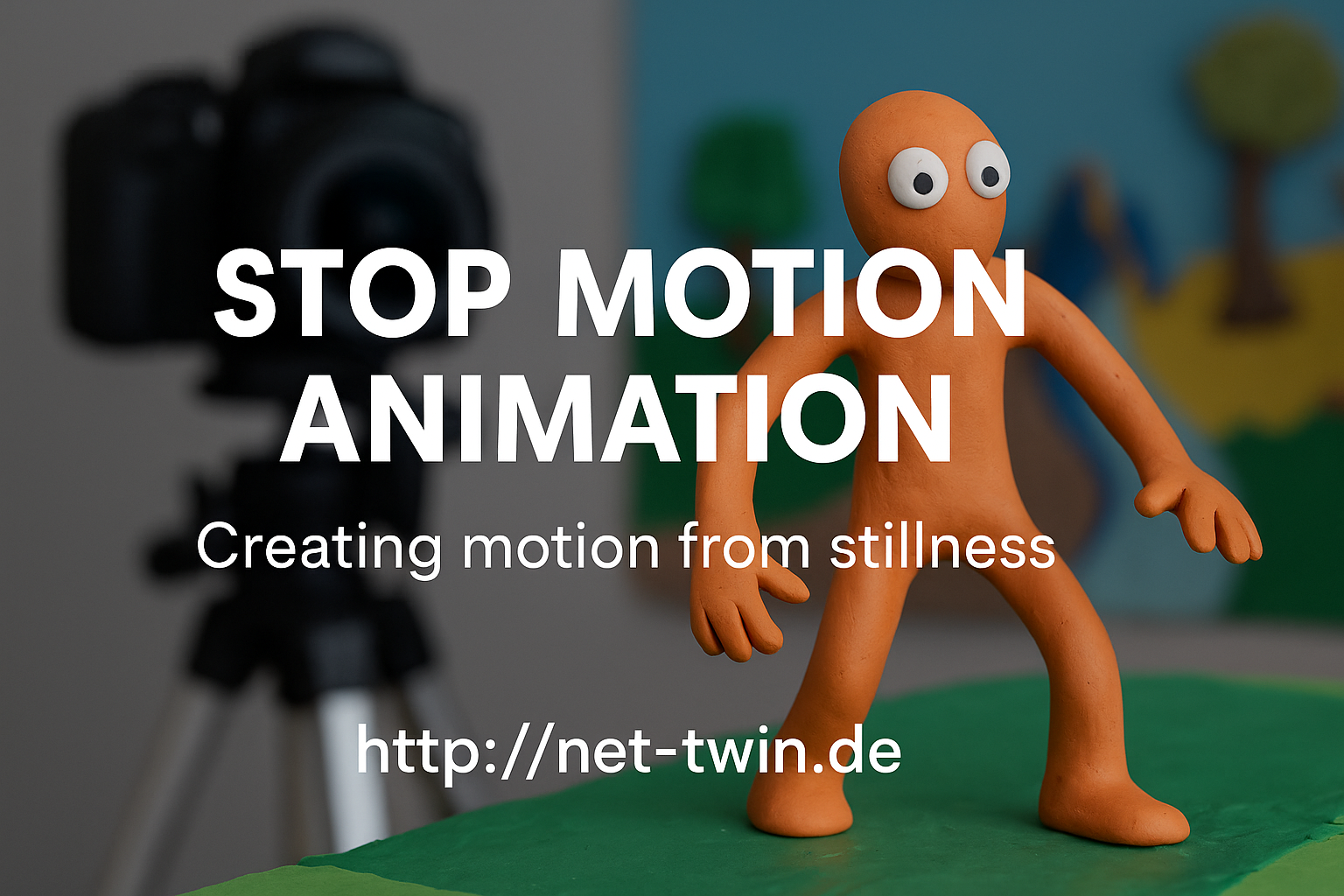
  • Title: Stop Motion Animation – Creating Motion from Stillness


    Stop motion is one of the oldest and most magical forms of animation. It’s not about speed – it’s about rhythm, planning, and breathing life into the inanimate. Whether you animate clay figures, paper cutouts, or even kitchen utensils, this hobby is both playful and powerful.

    Here’s how to get started:

    1. Understand what stop motion is.
    It’s a series of photos where each frame shows a tiny movement. Played back at 12–24 frames per second, it creates the illusion of life.

    2. Pick your medium.
    Popular choices include:

    Clay (claymation)

    Paper (cutout animation)

    Lego or figures (brickfilms)

    Everyday objects (pixilation or object animation)

    Each has its own charm. Try what you already have at home!

    3. Keep it steady.
    Use a tripod or solid surface. Shaky shots ruin the illusion. Tape your setup down if needed. For phone cameras, try simple tripods or holders.

    4. Use a stop motion app or software.
    For mobile: Stop Motion Studio is great.
    On desktop: Dragonframe (pro), or free options like MonkeyJam or Kdenlive for frame editing.

    5. Light is everything.
    Use constant light sources. Avoid windows or sunlight – shadows change quickly. Desk lamps or LED panels work best.

    6. Plan your movement.
    Sketch a basic storyboard. Think in “key poses” first, then fill in transitions. More frames = smoother motion, but also more effort.

    7. Add sound & effects later.
    Record audio separately or use royalty-free sounds. Add effects (dust, shake, filters) in post-editing to enhance the mood.

    🎯 Pro Tip: Even a bouncing ball is a great starting exercise. Share your short clips and behind-the-scenes shots on net-twin.de – people love seeing the magic before it’s polished!

    📌 #StopMotion #FrameByFrame #DIYAnimation #CreativeProcess #AnimationMagic #nettwin


    Kind regards, Andy 🤩

    -----------------------------------
    Advertising that's really worth it for you!

    💰 Get it now: Get a €100 voucher from Temu (new customers only)!

    Step 1 - Use my voucher link: https://temu.to/m/uwsjqkbzhhl
    Step 2 - Enter the following code in the search field at Temu to secure your €100!
    The Code: tar37925
    Title: Stop Motion Animation – Creating Motion from Stillness Stop motion is one of the oldest and most magical forms of animation. It’s not about speed – it’s about rhythm, planning, and breathing life into the inanimate. Whether you animate clay figures, paper cutouts, or even kitchen utensils, this hobby is both playful and powerful. Here’s how to get started: 1. Understand what stop motion is. It’s a series of photos where each frame shows a tiny movement. Played back at 12–24 frames per second, it creates the illusion of life. 2. Pick your medium. Popular choices include: Clay (claymation) Paper (cutout animation) Lego or figures (brickfilms) Everyday objects (pixilation or object animation) Each has its own charm. Try what you already have at home! 3. Keep it steady. Use a tripod or solid surface. Shaky shots ruin the illusion. Tape your setup down if needed. For phone cameras, try simple tripods or holders. 4. Use a stop motion app or software. For mobile: Stop Motion Studio is great. On desktop: Dragonframe (pro), or free options like MonkeyJam or Kdenlive for frame editing. 5. Light is everything. Use constant light sources. Avoid windows or sunlight – shadows change quickly. Desk lamps or LED panels work best. 6. Plan your movement. Sketch a basic storyboard. Think in “key poses” first, then fill in transitions. More frames = smoother motion, but also more effort. 7. Add sound & effects later. Record audio separately or use royalty-free sounds. Add effects (dust, shake, filters) in post-editing to enhance the mood. 🎯 Pro Tip: Even a bouncing ball is a great starting exercise. Share your short clips and behind-the-scenes shots on net-twin.de – people love seeing the magic before it’s polished! 📌 #StopMotion #FrameByFrame #DIYAnimation #CreativeProcess #AnimationMagic #nettwin Kind regards, Andy 🤩 ----------------------------------- Advertising that's really worth it for you! 💰 Get it now: Get a €100 voucher from Temu (new customers only)! Step 1 - Use my voucher link: https://temu.to/m/uwsjqkbzhhl Step 2 - Enter the following code in the search field at Temu to secure your €100! The Code: tar37925
    Wow
    2
    0 Comments 0 Shares 18K Views 0 Reviews
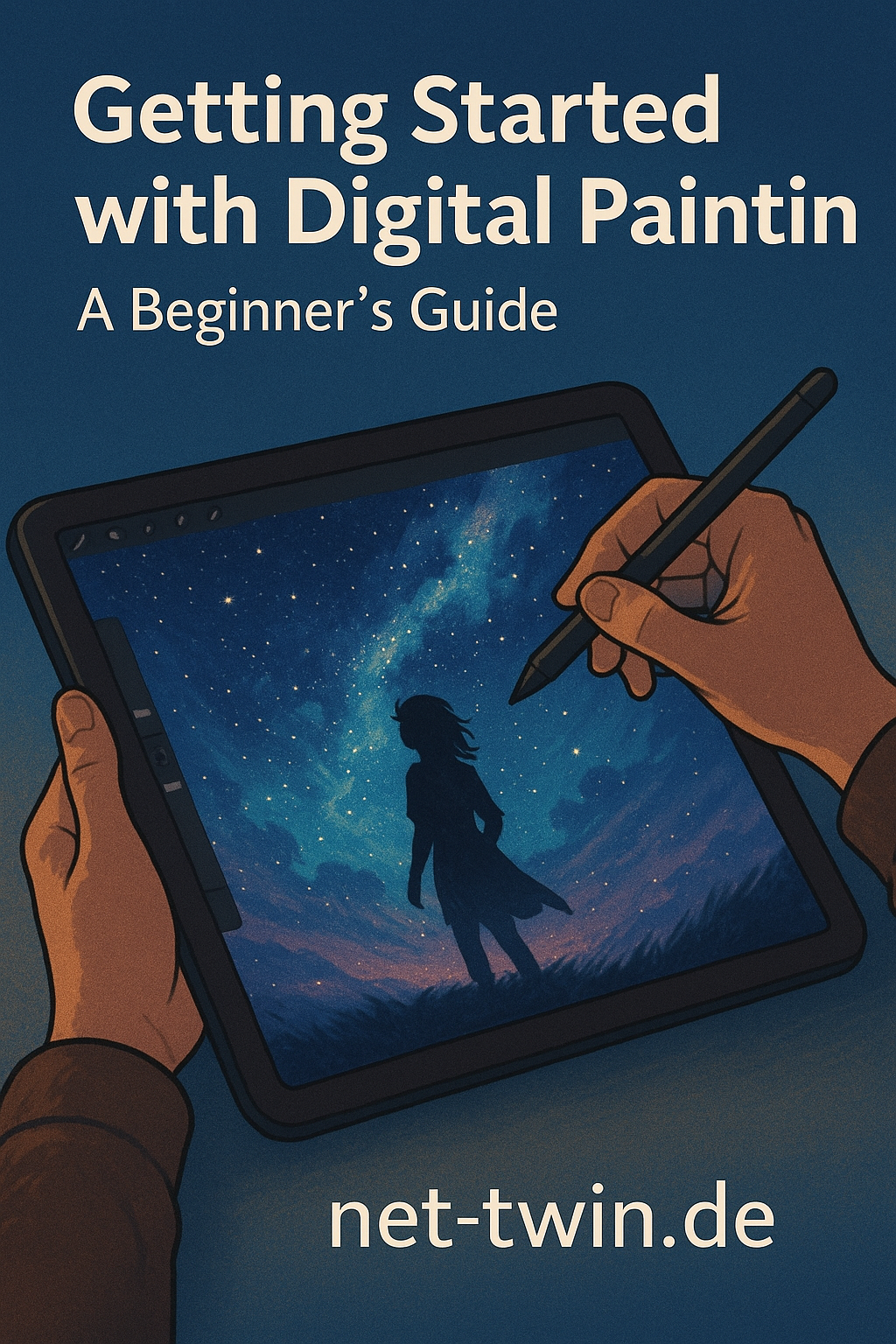
  • Title: Getting Started with Digital Painting – A Beginner’s Guide

    So, you want to paint digitally? Great choice. Digital painting combines the freedom of traditional art with the power of modern tools. Here's how to get started:

    Choose your software.
    Beginners often go with Procreate (iPad), Krita (free), or Photoshop (pro-grade). Pick one that feels intuitive.

    Get a stylus and tablet.
    A drawing tablet (like Wacom or XP-Pen) is essential for pressure sensitivity and precision. iPad with Apple Pencil works wonders too.

    Start with sketching.
    Rough outlines help you build composition. Use basic pencil or ink brushes, and don’t aim for perfection yet.

    Add color in layers.
    Use separate layers for shadows, highlights, and midtones. That way you can tweak things later without a mess.

    Experiment, undo, repeat.
    The best part of digital art? No ruined canvases. Use Ctrl+Z, play with brushes, and discover your style.

    🎯 Tip: Share your progress on net-twin.de and get feedback from other artists. Creativity grows when it’s shared!

    Kind regards, Andy 🤩
    Title: Getting Started with Digital Painting – A Beginner’s Guide So, you want to paint digitally? Great choice. Digital painting combines the freedom of traditional art with the power of modern tools. Here's how to get started: Choose your software. Beginners often go with Procreate (iPad), Krita (free), or Photoshop (pro-grade). Pick one that feels intuitive. Get a stylus and tablet. A drawing tablet (like Wacom or XP-Pen) is essential for pressure sensitivity and precision. iPad with Apple Pencil works wonders too. Start with sketching. Rough outlines help you build composition. Use basic pencil or ink brushes, and don’t aim for perfection yet. Add color in layers. Use separate layers for shadows, highlights, and midtones. That way you can tweak things later without a mess. Experiment, undo, repeat. The best part of digital art? No ruined canvases. Use Ctrl+Z, play with brushes, and discover your style. 🎯 Tip: Share your progress on net-twin.de and get feedback from other artists. Creativity grows when it’s shared! Kind regards, Andy 🤩
    Wow
    1
    0 Comments 0 Shares 9K Views 0 Reviews
  • Director Alex Garland (Ex Machina) will direct the upcoming #EldenRing film. George R. R. Martin will produce the film.

    A live-action adaptation of Elden Ring, the acclaimed action RPG developed by FromSoftware, is officially in development. The film will be written and directed by Alex Garland, known for Ex Machina, Annihilation, and Civil War. Production is a collaboration between A24, Bandai Namco, and DNA Films, with Peter Rice, Andrew Macdonald, Allon Reich, George R. R. Martin, and Vince Gerardis serving as producers.

    George R. R. Martin, who co-authored the game's lore, will also serve as a co-producer, ensuring continuity between the game's narrative and its cinematic adaptation.


    Alex Garland's involvement has generated excitement among fans, particularly due to his evident passion for the game. In a recent Reddit AMA, Garland revealed that he's currently on his seventh playthrough (NG+6) of the game's DLC, Shadow of the Erdtree, expressing his deep enjoyment and obsession with the game. This level of dedication has reassured many fans that Garland is a true enthusiast of the FromSoftware universe, raising hopes for a faithful adaptation.


    While specific plot details and casting have yet to be announced, the film is expected to explore the expansive narrative of the game, which follows a Tarnished protagonist seeking to restore the Elden Ring in the mysterious Lands Between.

    The Elden Ring film adaptation is still in the early stages of development, and further details are anticipated in the coming months.

    I`ll keep you up to date about the movie project.

    Kind regards, Andy 🤩
    Director Alex Garland (Ex Machina) will direct the upcoming #EldenRing film. George R. R. Martin will produce the film. A live-action adaptation of Elden Ring, the acclaimed action RPG developed by FromSoftware, is officially in development. The film will be written and directed by Alex Garland, known for Ex Machina, Annihilation, and Civil War. Production is a collaboration between A24, Bandai Namco, and DNA Films, with Peter Rice, Andrew Macdonald, Allon Reich, George R. R. Martin, and Vince Gerardis serving as producers. George R. R. Martin, who co-authored the game's lore, will also serve as a co-producer, ensuring continuity between the game's narrative and its cinematic adaptation. Alex Garland's involvement has generated excitement among fans, particularly due to his evident passion for the game. In a recent Reddit AMA, Garland revealed that he's currently on his seventh playthrough (NG+6) of the game's DLC, Shadow of the Erdtree, expressing his deep enjoyment and obsession with the game. This level of dedication has reassured many fans that Garland is a true enthusiast of the FromSoftware universe, raising hopes for a faithful adaptation. While specific plot details and casting have yet to be announced, the film is expected to explore the expansive narrative of the game, which follows a Tarnished protagonist seeking to restore the Elden Ring in the mysterious Lands Between. The Elden Ring film adaptation is still in the early stages of development, and further details are anticipated in the coming months. I`ll keep you up to date about the movie project. Kind regards, Andy 🤩
    Love
    1
    0 Comments 0 Shares 10K Views 0 Reviews