

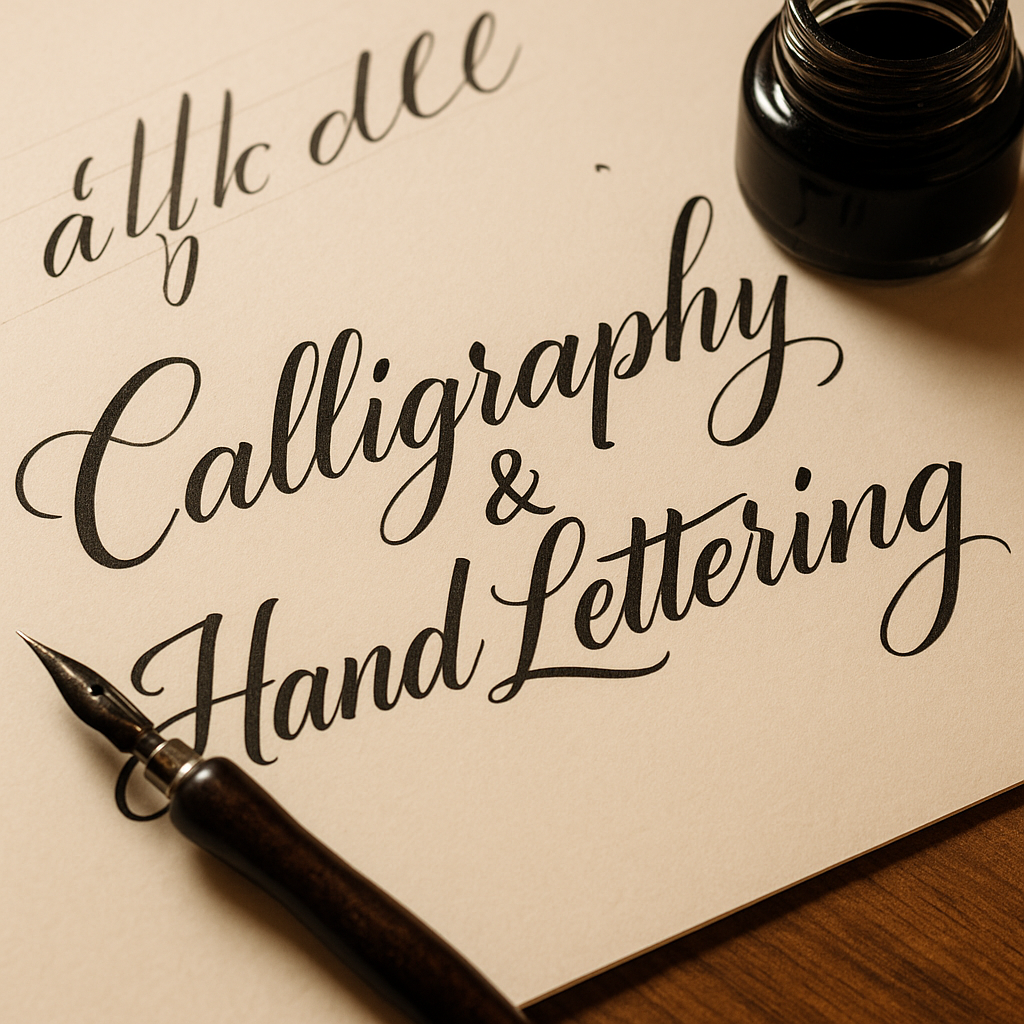
• Title: Calligraphy & Hand Lettering – Drawing Letters with Personality


    Calligraphy isn’t just writing – it’s the art of giving letters rhythm, weight, and soul. Whether you're aiming for classic copperplate scripts or playful modern lettering, this hobby combines fine motor skills with expressive design.


    Let’s dive into how you can get started with calligraphy and hand lettering:


    1. Know the difference.

    Calligraphy is about writing – you use tools like nib pens or brushes to form letters in real time, with variation in pressure and stroke.

    Hand lettering is about drawing letters – each shape is crafted like an illustration.

    Both are deeply artistic and often overlap in style and technique.


    2. Start with basic tools.
    For beginners:

    Calligraphy: a dip pen + nib + ink (or brush pens for ease)

    Hand lettering: pencils, fineliners, and brush pens (Tombow, Fudenosuke, etc.)

    Smooth paper that won’t bleed or feather

    Digital tools like the Apple Pencil + Procreate are also great alternatives.


    3. Learn the strokes, not just the alphabet.
    Practice basic strokes: upstrokes (light), downstrokes (heavy), loops, ovals. Master these before you form letters – they’re the building blocks of every script.


    4. Focus on spacing and balance.
    Beautiful lettering is more about consistency than perfection. Watch for even spacing, similar angles, and good rhythm between letters.


    5. Use guidelines.
    Draw pencil guides for baseline, x-height, ascenders, and descenders. It’s not cheating – it’s essential.


    6. Don’t rush.
    Speed kills style. Take your time. Breath, write slowly, and enjoy the flow. Good calligraphy feels meditative.


    7. Explore different styles.
    Try gothic blackletter, italic, Roman capitals, modern script… or create your own. Mixing styles can add personality to your projects.


    Pro Tip: Post your progress and practice sheets on net-twin.de
    – our creative community loves beautiful lines, mindful craft, and expressive inkwork.

    #Calligraphy #HandLettering #ModernScript #CreativeWriting #InkArt #nettwin


    Kind regards, Andy

    -----------------------------------
    Advertising that's really worth it for you!

    Get it now: Get a €100 voucher from Temu (new customers only)!

    Step 1 - Use my voucher link: https://temu.to/m/uwsjqkbzhhl
    Step 2 - Enter the following code in the search field at Temu to secure your €100!
    The Code: tar37925
    Title: Calligraphy & Hand Lettering – Drawing Letters with Personality Calligraphy isn’t just writing – it’s the art of giving letters rhythm, weight, and soul. Whether you're aiming for classic copperplate scripts or playful modern lettering, this hobby combines fine motor skills with expressive design. Let’s dive into how you can get started with calligraphy and hand lettering: 1. Know the difference. Calligraphy is about writing – you use tools like nib pens or brushes to form letters in real time, with variation in pressure and stroke. Hand lettering is about drawing letters – each shape is crafted like an illustration. Both are deeply artistic and often overlap in style and technique. 2. Start with basic tools. For beginners: Calligraphy: a dip pen + nib + ink (or brush pens for ease) Hand lettering: pencils, fineliners, and brush pens (Tombow, Fudenosuke, etc.) Smooth paper that won’t bleed or feather Digital tools like the Apple Pencil + Procreate are also great alternatives. 3. Learn the strokes, not just the alphabet. Practice basic strokes: upstrokes (light), downstrokes (heavy), loops, ovals. Master these before you form letters – they’re the building blocks of every script. 4. Focus on spacing and balance. Beautiful lettering is more about consistency than perfection. Watch for even spacing, similar angles, and good rhythm between letters. 5. Use guidelines. Draw pencil guides for baseline, x-height, ascenders, and descenders. It’s not cheating – it’s essential. 6. Don’t rush. Speed kills style. Take your time. Breath, write slowly, and enjoy the flow. Good calligraphy feels meditative. 7. Explore different styles. Try gothic blackletter, italic, Roman capitals, modern script… or create your own. Mixing styles can add personality to your projects. 🎯 Pro Tip: Post your progress and practice sheets on net-twin.de – our creative community loves beautiful lines, mindful craft, and expressive inkwork. 📌 #Calligraphy #HandLettering #ModernScript #CreativeWriting #InkArt #nettwin Kind regards, Andy 🤩 ----------------------------------- Advertising that's really worth it for you! Get it now: Get a €100 voucher from Temu (new customers only)! Step 1 - Use my voucher link: https://temu.to/m/uwsjqkbzhhl Step 2 - Enter the following code in the search field at Temu to secure your €100! The Code: tar37925

    Wow
    1
    0 Commentaires 0 Parts 4KB Vue 0 Aperçu
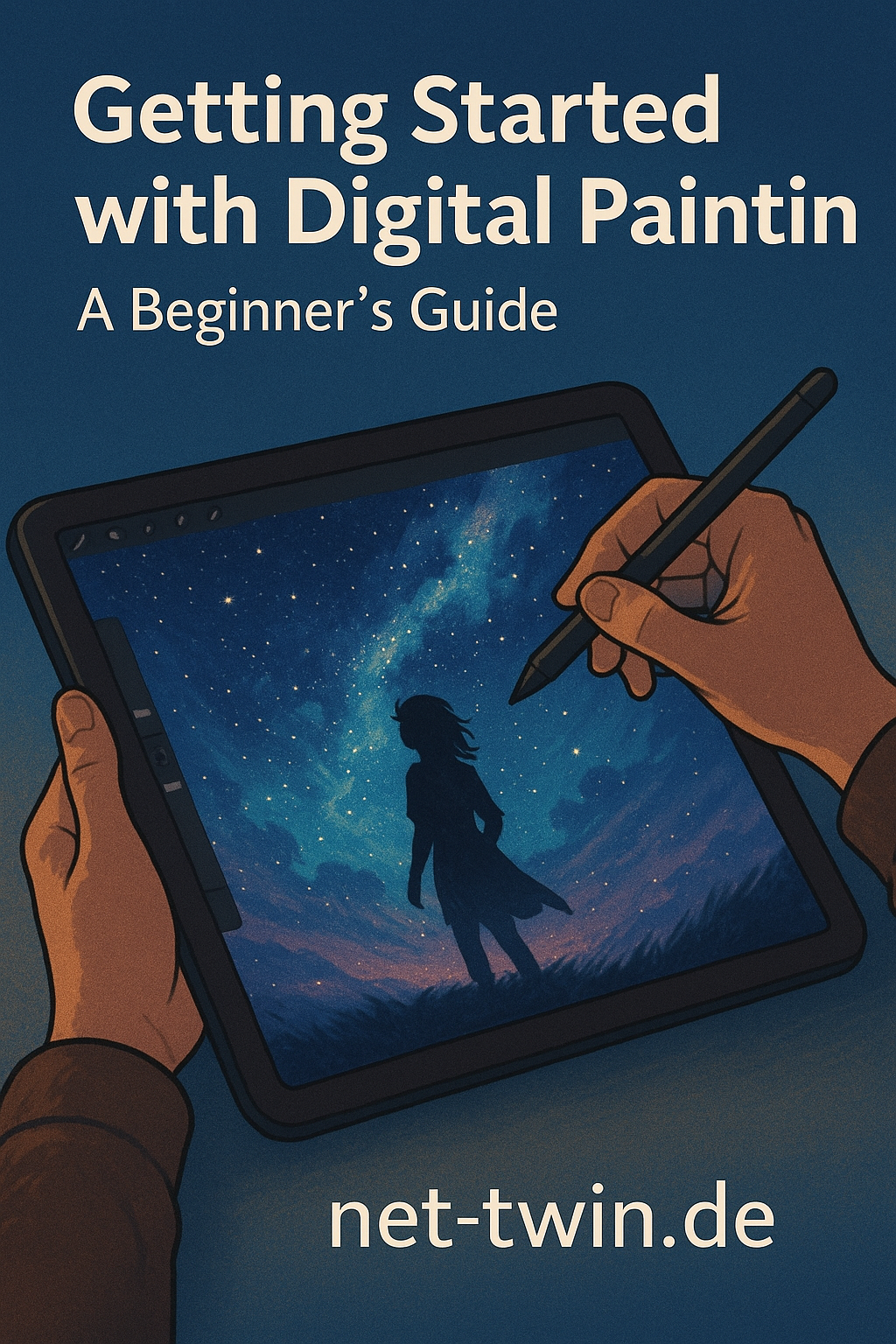
  • Title: Getting Started with Digital Painting – A Beginner’s Guide

    So, you want to paint digitally? Great choice. Digital painting combines the freedom of traditional art with the power of modern tools. Here's how to get started:

    Choose your software.
    Beginners often go with Procreate (iPad), Krita (free), or Photoshop (pro-grade). Pick one that feels intuitive.

    Get a stylus and tablet.
    A drawing tablet (like Wacom or XP-Pen) is essential for pressure sensitivity and precision. iPad with Apple Pencil works wonders too.

    Start with sketching.
    Rough outlines help you build composition. Use basic pencil or ink brushes, and don’t aim for perfection yet.

    Add color in layers.
    Use separate layers for shadows, highlights, and midtones. That way you can tweak things later without a mess.

    Experiment, undo, repeat.
    The best part of digital art? No ruined canvases. Use Ctrl+Z, play with brushes, and discover your style.

    Tip: Share your progress on net-twin.de and get feedback from other artists. Creativity grows when it’s shared!

    Kind regards, Andy
    Title: Getting Started with Digital Painting – A Beginner’s Guide So, you want to paint digitally? Great choice. Digital painting combines the freedom of traditional art with the power of modern tools. Here's how to get started: Choose your software. Beginners often go with Procreate (iPad), Krita (free), or Photoshop (pro-grade). Pick one that feels intuitive. Get a stylus and tablet. A drawing tablet (like Wacom or XP-Pen) is essential for pressure sensitivity and precision. iPad with Apple Pencil works wonders too. Start with sketching. Rough outlines help you build composition. Use basic pencil or ink brushes, and don’t aim for perfection yet. Add color in layers. Use separate layers for shadows, highlights, and midtones. That way you can tweak things later without a mess. Experiment, undo, repeat. The best part of digital art? No ruined canvases. Use Ctrl+Z, play with brushes, and discover your style. 🎯 Tip: Share your progress on net-twin.de and get feedback from other artists. Creativity grows when it’s shared! Kind regards, Andy 🤩
    Wow
    1
    0 Commentaires 0 Parts 2KB Vue 0 Aperçu
  • How to Start Knife Making as a Hobby (Beginner's Guide)

    Knife making isn't just about steel – it’s about passion, patience, and precision. If you’ve ever thought of forging your own blade, here’s how to get started:

    Start with stock removal.
    Forget the forge (for now). Begin with a simple high-carbon steel flat bar (like 80CrV2) and shape your knife with files and an angle grinder.

    Choose the right handle material.
    Stabilized wood, micarta, or even antler can give your knife both style and grip.

    Heat treating is crucial.
    Even without a full forge, a simple propane torch and oil quench can give you a decently hardened blade. Temper in the oven at 200°C for 2 hours.

    Finish with finesse.
    Sand and polish your blade, then seal your handle. You’ll be amazed how rewarding it feels to hold your own creation.

    Tip: Document your builds on net-twin.de and connect with fellow makers to grow your skills!

    How to Start Knife Making as a Hobby (Beginner's Guide) Knife making isn't just about steel – it’s about passion, patience, and precision. If you’ve ever thought of forging your own blade, here’s how to get started: Start with stock removal. Forget the forge (for now). Begin with a simple high-carbon steel flat bar (like 80CrV2) and shape your knife with files and an angle grinder. Choose the right handle material. Stabilized wood, micarta, or even antler can give your knife both style and grip. Heat treating is crucial. Even without a full forge, a simple propane torch and oil quench can give you a decently hardened blade. Temper in the oven at 200°C for 2 hours. Finish with finesse. Sand and polish your blade, then seal your handle. You’ll be amazed how rewarding it feels to hold your own creation. 🎯 Tip: Document your builds on net-twin.de and connect with fellow makers to grow your skills!
    Like
    1
    0 Commentaires 0 Parts 2KB Vue 0 Aperçu
  • How to Write Better AI Image Prompts – A Quick Guide for Beginners

    Want to create stunning AI-generated images, but not sure how to describe what you have in mind? Here’s a simple guide to help you craft better prompts – and get results that actually match your vision.

    1. Be Specific, Not Vague
    Bad prompt: "A dragon"
    Better prompt: "A fierce red dragon flying over a burning medieval village at night, detailed scales, cinematic lighting"

    Use adjectives (color, mood, style), verbs (what’s happening?), and context (where/when?).

    2. Use Simple, Natural Language
    You don’t need fancy terms. Just write like you’re explaining the image to a friend.
    Example: "A cozy cabin in a snowy forest, smoke rising from the chimney, warm light glowing through the windows"

    3. Add Art Style or Medium
    Want a painting? A photo? A sketch? Say it!
    Examples:

    "In the style of a vintage oil painting"

    "Black and white pencil sketch of a wolf"

    "Photo-realistic portrait with soft lighting"

    4. Include Composition Tips
    Want a close-up? A wide shot? Add that!
    Examples:

    "Top-down view of a Japanese garden"

    "Portrait, centered, soft depth of field"

    5. Use Negative Prompts (if possible)
    Some AI tools let you tell it what to avoid.
    Example:

    "A knight in armor, realistic –– no text, no watermark, no blurriness"

    Pro Tip: Try tools like Lexica, PromptHero, or Krea.ai to explore other people’s prompts and see how they shape the final image.

    Summary – Prompt Formula:
    [Subject] + [Action or Situation] + [Style/Medium] + [Lighting/Composition] + [Optional: What to avoid]

    Example:
    "A lonely lighthouse on a rocky shore during a storm, waves crashing, dramatic lighting, cinematic photo style"

    Have fun exploring your creativity! Got prompt ideas or cool images? Share them with the community on net-twin.de!
    Let’s inspire each other.
    🎨 How to Write Better AI Image Prompts – A Quick Guide for Beginners Want to create stunning AI-generated images, but not sure how to describe what you have in mind? Here’s a simple guide to help you craft better prompts – and get results that actually match your vision. 🔹 1. Be Specific, Not Vague Bad prompt: "A dragon" Better prompt: "A fierce red dragon flying over a burning medieval village at night, detailed scales, cinematic lighting" ✔️ Use adjectives (color, mood, style), verbs (what’s happening?), and context (where/when?). 🔹 2. Use Simple, Natural Language You don’t need fancy terms. Just write like you’re explaining the image to a friend. Example: "A cozy cabin in a snowy forest, smoke rising from the chimney, warm light glowing through the windows" 🔹 3. Add Art Style or Medium Want a painting? A photo? A sketch? Say it! Examples: "In the style of a vintage oil painting" "Black and white pencil sketch of a wolf" "Photo-realistic portrait with soft lighting" 🔹 4. Include Composition Tips Want a close-up? A wide shot? Add that! Examples: "Top-down view of a Japanese garden" "Portrait, centered, soft depth of field" 🔹 5. Use Negative Prompts (if possible) Some AI tools let you tell it what to avoid. Example: "A knight in armor, realistic –– no text, no watermark, no blurriness" 💡 Pro Tip: Try tools like Lexica, PromptHero, or Krea.ai to explore other people’s prompts and see how they shape the final image. 🎯 Summary – Prompt Formula: [Subject] + [Action or Situation] + [Style/Medium] + [Lighting/Composition] + [Optional: What to avoid] Example: "A lonely lighthouse on a rocky shore during a storm, waves crashing, dramatic lighting, cinematic photo style" Have fun exploring your creativity! Got prompt ideas or cool images? Share them with the community on net-twin.de! 🚀 Let’s inspire each other.
    Love
    1
    0 Commentaires 0 Parts 2KB Vue 0 Aperçu
  • **How to Create Effective AI Image Prompts**

    Creating high-quality image prompts for AI image generators requires a mix of clarity, detail, and creativity. AI models interpret text descriptions to generate images, so crafting the perfect prompt is essential for getting the desired results. Here’s how to create the best AI image prompts:


    ### 1. Be Specific and Detailed
    AI models perform better when given detailed descriptions. Instead of writing "a house," describe it more precisely: *"A cozy wooden cabin in a snowy forest with smoke coming from the chimney and warm glowing windows."* This ensures the AI captures the exact vision you have in mind.


    ### 2. Use Descriptive Adjectives
    Adjectives add depth and texture to your prompt. Words like "vibrant," "mystical," "ancient," "futuristic," or "serene" help define the mood and aesthetic of the image.


    ### 3. Mention the Style and Medium
    If you want a specific artistic style or medium, include it in your prompt. For example:

    - *"A cyberpunk city at night, neon lights glowing, in a digital painting style."*
    - *"A hand-drawn pencil sketch of a medieval knight in armor."*


    ### 4. Include Perspective and Composition
    Specifying angles, lighting, and framing can make a big difference. Consider:

    - *"Close-up portrait of a wise old man with a long white beard, dramatic lighting."*
    - *"Aerial view of a tropical island with crystal-clear waters and palm trees."*

    ### 5. Avoid Ambiguous or Contradictory Terms
    Conflicting descriptions can confuse the AI. For example, "a small, towering castle" is contradictory. Instead, clarify: "A towering castle in the distance, appearing small due to perspective."


    ### 6. Experiment and Iterate
    AI image generation is not always perfect on the first attempt. Experiment with variations and tweak your prompt until you achieve the desired outcome.


    ### 7. Use Keywords Smartly
    Some AI models work well with keyword-driven prompts, like: *"hyper-realistic, ultra-detailed, 8K resolution, dramatic lighting."* Using relevant keywords can significantly enhance the output.


    ### 8. Specify a Time Period or Setting
    If your image should reflect a particular era or setting, include it:

    - *"A Victorian-era ballroom with elegantly dressed dancers."*
    - *"A futuristic space station orbiting a distant planet."*


    ### Conclusion
    Crafting effective AI image prompts is an art in itself. The key is to be as specific, descriptive, and structured as possible while leaving room for AI interpretation. With practice, you can refine your prompts to consistently produce stunning AI-generated images.

    ---
    Try experimenting with different styles and descriptions to discover the full potential of AI image generation!

    Kind regards, Andreas
    **How to Create Effective AI Image Prompts** Creating high-quality image prompts for AI image generators requires a mix of clarity, detail, and creativity. AI models interpret text descriptions to generate images, so crafting the perfect prompt is essential for getting the desired results. Here’s how to create the best AI image prompts: ### 1. Be Specific and Detailed AI models perform better when given detailed descriptions. Instead of writing "a house," describe it more precisely: *"A cozy wooden cabin in a snowy forest with smoke coming from the chimney and warm glowing windows."* This ensures the AI captures the exact vision you have in mind. ### 2. Use Descriptive Adjectives Adjectives add depth and texture to your prompt. Words like "vibrant," "mystical," "ancient," "futuristic," or "serene" help define the mood and aesthetic of the image. ### 3. Mention the Style and Medium If you want a specific artistic style or medium, include it in your prompt. For example: - *"A cyberpunk city at night, neon lights glowing, in a digital painting style."* - *"A hand-drawn pencil sketch of a medieval knight in armor."* ### 4. Include Perspective and Composition Specifying angles, lighting, and framing can make a big difference. Consider: - *"Close-up portrait of a wise old man with a long white beard, dramatic lighting."* - *"Aerial view of a tropical island with crystal-clear waters and palm trees."* ### 5. Avoid Ambiguous or Contradictory Terms Conflicting descriptions can confuse the AI. For example, "a small, towering castle" is contradictory. Instead, clarify: "A towering castle in the distance, appearing small due to perspective." ### 6. Experiment and Iterate AI image generation is not always perfect on the first attempt. Experiment with variations and tweak your prompt until you achieve the desired outcome. ### 7. Use Keywords Smartly Some AI models work well with keyword-driven prompts, like: *"hyper-realistic, ultra-detailed, 8K resolution, dramatic lighting."* Using relevant keywords can significantly enhance the output. ### 8. Specify a Time Period or Setting If your image should reflect a particular era or setting, include it: - *"A Victorian-era ballroom with elegantly dressed dancers."* - *"A futuristic space station orbiting a distant planet."* ### Conclusion Crafting effective AI image prompts is an art in itself. The key is to be as specific, descriptive, and structured as possible while leaving room for AI interpretation. With practice, you can refine your prompts to consistently produce stunning AI-generated images. --- Try experimenting with different styles and descriptions to discover the full potential of AI image generation! Kind regards, Andreas 🤩
    Love
    1
    0 Commentaires 0 Parts 3KB Vue 0 Aperçu
  • ATTENTION - anyone who registers an account here just to advertise their own business for free, don't even bother, all these accounts will be deleted immediately!!!


    Exceptions:

    If your business is in the field of art, hobbies, design, multi-media, gaming industry etc. then it's OK for us if you create accounts, but only if you show what you do, for example, you create a beautiful new web design, or decorate an apartment in a beautiful style, or you have new colors in your shop for hobby supplies and demonstrate them in a tutorial etc..

    Simply advertising your business is not an option and as a free service, our money is too precious to pay for expensive web space for your advertising.

    We are a community for creative people and their hobbies, if you just want to advertise go to Facebook. We want to spare our users your intrusive and boring advertising, unless you combine it with valuable content (tutorials, project reports, portfolios etc.).

    Thank you for your attention.

    The Net-Twin Team
    👉 ATTENTION - anyone who registers an account here just to advertise their own business for free, don't even bother, all these accounts will be deleted immediately!!! 👈 Exceptions: If your business is in the field of art, hobbies, design, multi-media, gaming industry etc. then it's OK for us if you create accounts, but only if you show what you do, for example, you create a beautiful new web design, or decorate an apartment in a beautiful style, or you have new colors in your shop for hobby supplies and demonstrate them in a tutorial etc.. Simply advertising your business is not an option and as a free service, our money is too precious to pay for expensive web space for your advertising. We are a community for creative people and their hobbies, if you just want to advertise go to Facebook. We want to spare our users your intrusive and boring advertising, unless you combine it with valuable content (tutorials, project reports, portfolios etc.). Thank you for your attention. The Net-Twin Team 😍
    Like
    1
    0 Commentaires 0 Parts 4KB Vue 0 Aperçu
  • My #fantasy #RPG character #concept collection https://civitai.com/posts/1255400 in the style of #LordOfTheRings & #SongOfIceAndFire.

    I would be very delighted if you would register here with us at http://net-twin.de and share your creative #projects with us or simply talk about your #hobbies.

    Kind regards, Andy
    My #fantasy #RPG character #concept collection https://civitai.com/posts/1255400 in the style of #LordOfTheRings & #SongOfIceAndFire. I would be very delighted if you would register here with us at http://net-twin.de and share your creative #projects with us or simply talk about your #hobbies. Kind regards, Andy 🤩
    Love
    1
    0 Commentaires 0 Parts 5KB Vue 0 Aperçu